Give the price some context
Explain what your work includes, what you deliver and how the investment changes when the scope changes.
Read article
A checklist for a brief that gathers useful context without becoming an endless interview.
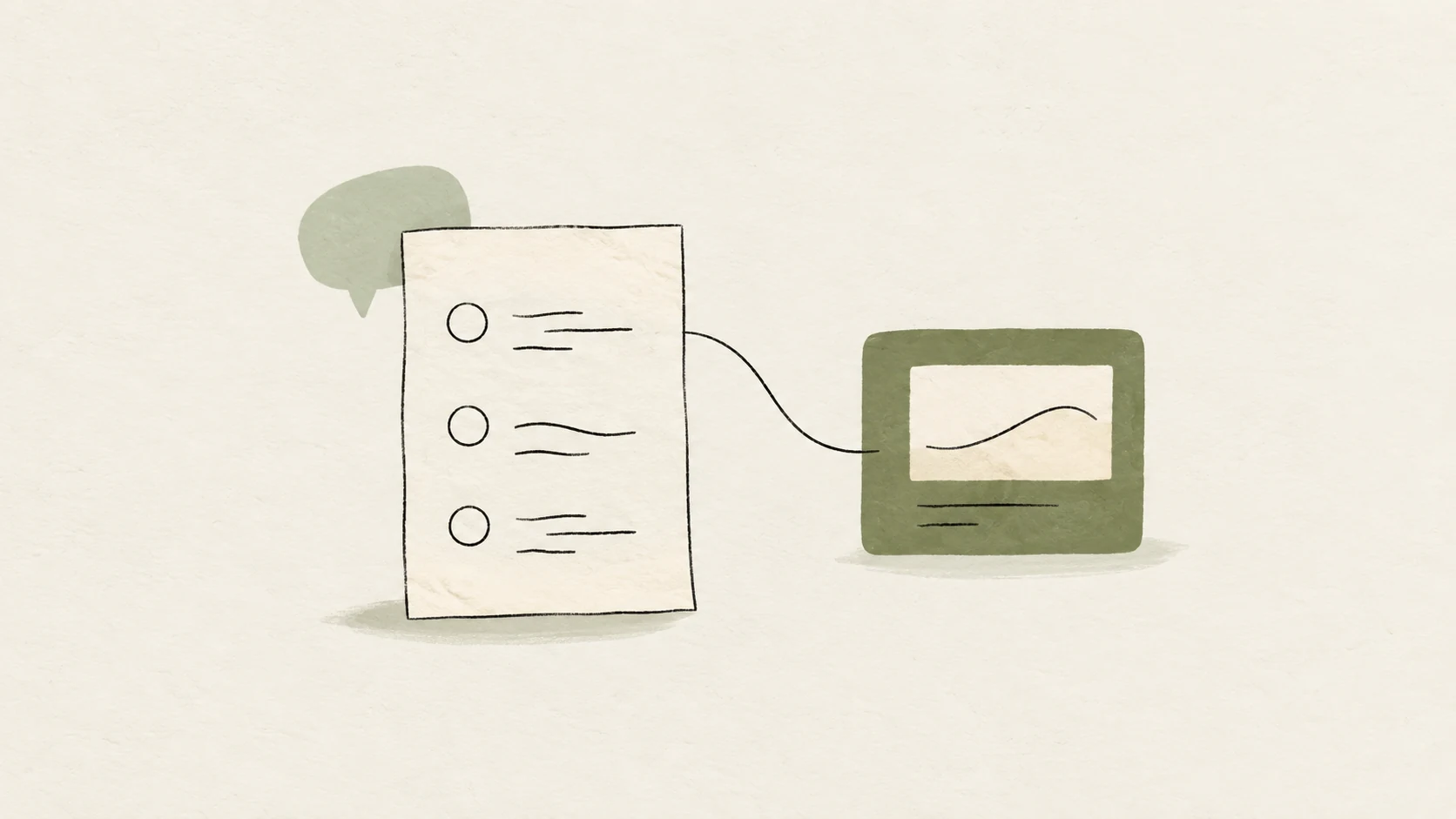
A useful brief collects information that changes your proposal. Before adding a question, consider which decision the answer will support. If it changes neither the scope, the approach nor the way you will work, it may be able to wait.
Start with the reason for the project. Asking “what do you need?” may produce a list of assets. Asking what is happening and what should be different helps explain what those assets are meant to achieve.
Leave room for open answers. Clients may not know the names of your services, and they should not need that vocabulary to explain their situation.
Gather the conditions that could change the scope. Dates, available material, decision makers and an investment range help identify whether you need a conversation before preparing a price.
Allow people to say that something has not been decided. “We don't know yet” is more useful than forcing someone to invent a deadline or a budget.
A link alone does not explain a preference. Ask the client what interests them about a reference: its tone, structure, pace or a specific result. It can also help to understand what they want to avoid.
Avoid asking them to choose a technical solution before you understand the problem. Defining that solution is part of your professional contribution.
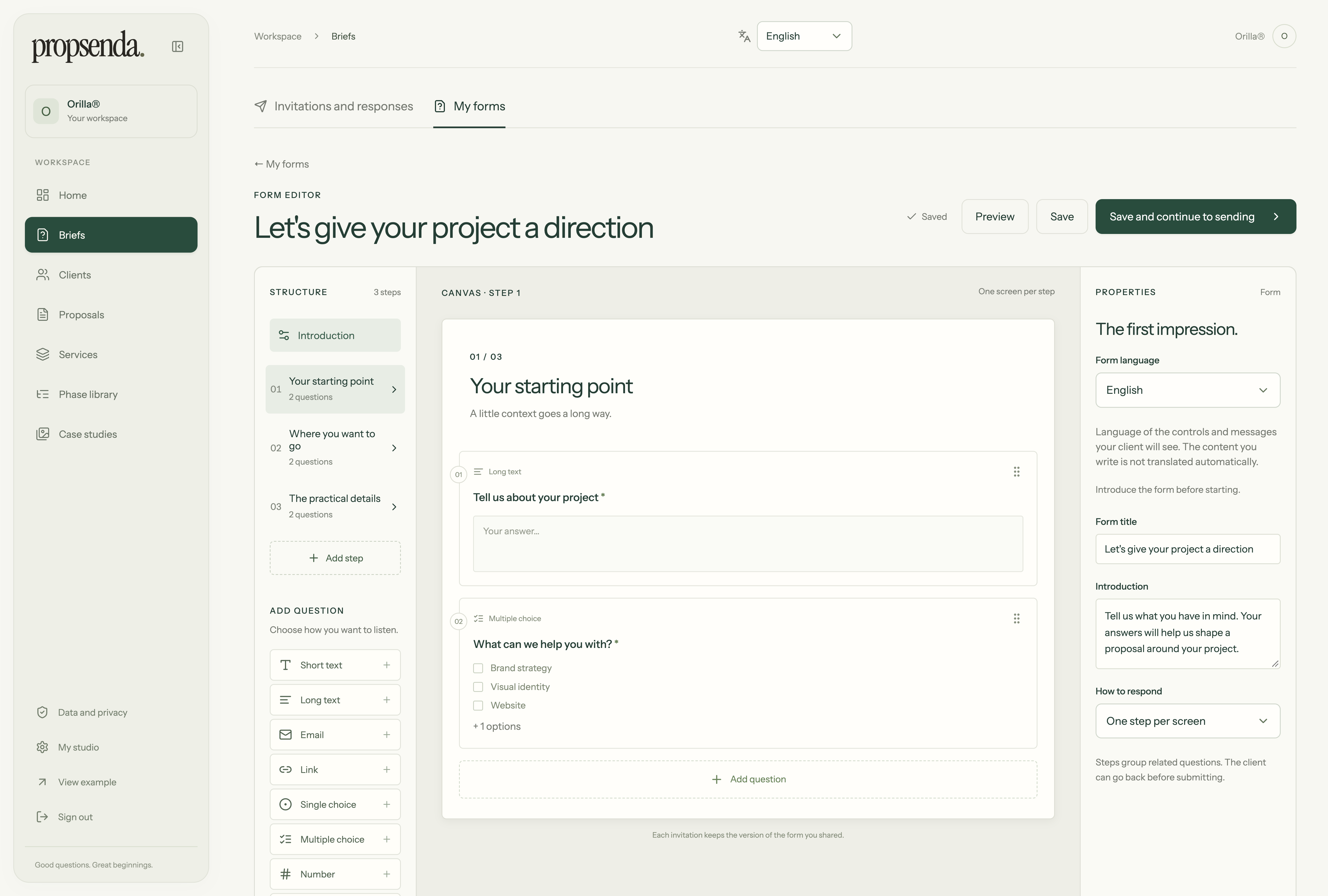
Real form builder screenshot with fictional data. Select the image to enlarge it.
In Propsenda, the reusable template is separate from each brief you share. You can improve future questions without changing what an earlier contact received. When a response arrives, use it to inform the proposal and keep the information you already have.
Make your next proposal a little clearer.
Explore the productExplain what your work includes, what you deliver and how the investment changes when the scope changes.
Read article
How to connect context, scope, services and a work plan so your client understands the decision in front of them.
Read article
Give your work the presentation it deserves.
Create my proposal